

RESOURCES
A collection of free resources I’ve created based on common questions and challenges that come up in client work.
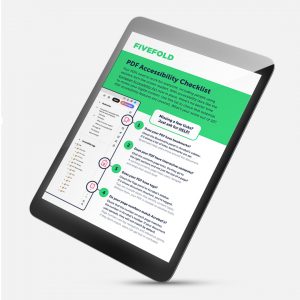
PDF accessibility checklist
A quick way to review whether your PDFs meet essential accessibility requirements, including navigation, structure, tags and readability. Based on common issues seen in client work, it’s designed to help you spot gaps and understand what to look for.
Accessibility audit for creative agencies
A short self-check designed to help creative agencies understand where they stand with digital document accessibility. It highlights common gaps, clarifies responsibilities and helps identify next steps, with no prior accessibility knowledge needed.
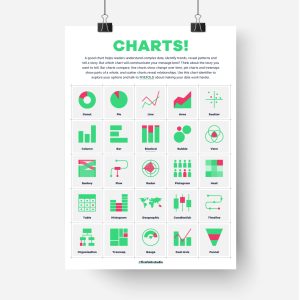
Chart identifier
This free A3 poster gives you a quick visual reference to 25 different chart types, helping you explore your options and choose the right chart for the story you want to tell. Download it, print it out and stick it on the studio wall for whenever you need a little chart inspiration..